




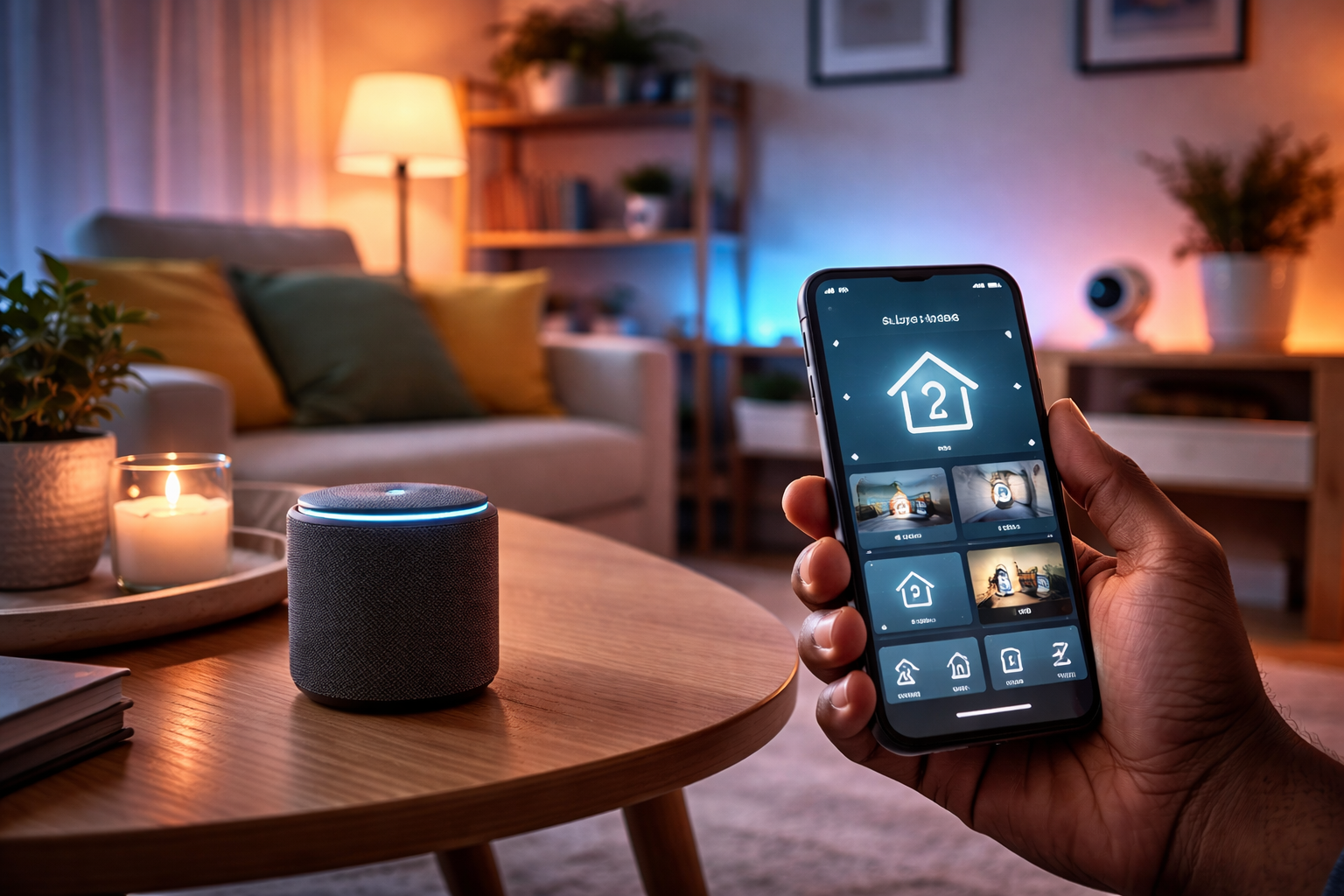




Smart home technology has moved far beyond hype—it’s now one of the most practical ways to improve comfort, security, and energy efficiency in everyday life.
After testing multiple smart devices over the past few years—from lighting systems to smart plugs and voice assistants—I’ve found that the real value of a smart home isn’t just automation… it’s saving time, reducing energy waste, and simplifying daily routines.
In this guide, you’ll discover:
- The best smart home devices worth buying
- How they actually perform in real homes
- What most beginners get wrong (and how to avoid it)
- How to build a reliable, compatible system
What Is a Smart Home (And Why It Actually Matters)
A smart home uses internet-connected devices to control systems like lighting, temperature, security, and entertainment—usually from your phone or via voice commands.
But here’s the practical reality:
A smart home isn’t about having more gadgets—it’s about needing to think less about everyday tasks.
For example:
- Lights that turn off automatically when you leave
- A fan that switches on before you enter the room
- A doorbell that lets you respond even when you’re not home
Best Smart Home Devices (Tested & Recommended)
1. Smart Speakers & Hubs (Your Control Center)
Top Picks:
- Amazon Echo (Alexa)
- Google Nest Hub
- Apple HomePod (for Apple users)
Real Experience
When I first set up a smart speaker, I didn’t expect much—but it quickly became the central control point. Instead of opening multiple apps, I could control everything with one command.
Expert Insight
Modern hubs now support the Matter standard, which improves compatibility across brands—something that used to be a major frustration.
2. Smart Lighting (Best First Upgrade)
Top Picks:
- Philips Hue (premium)
- TP-Link Kasa Smart Bulbs (budget-friendly)
Why It’s Worth It
Smart lighting is usually the highest-impact, lowest-effort upgrade.
Real Experience
Switching to smart bulbs in my living room reduced how often lights were left on overnight—something that used to happen almost daily.
Pro Tip
If you want reliability, choose systems that support Zigbee instead of relying only on Wi-Fi.
3. Smart Plugs (Beginner-Friendly & Powerful)
Top Picks:
- TP-Link Kasa Smart Plug
- Amazon Smart Plug
What They Do
They turn ordinary devices into smart ones.
Real Experience
I started with one smart plug for a standing fan—and it quickly became one of the most used devices in my setup.
Everyday Use Cases
- Auto shut-off at night
- Scheduled appliances
- Energy-saving routines
4. Smart Thermostats & Climate Control
Top Picks:
- Google Nest Thermostat
- Ecobee SmartThermostat
Expert Insight
According to energy studies, heating and cooling can account for nearly half of home energy use, making this one of the most impactful upgrades.
Real Experience
Even without full automation, being able to control temperature remotely helps avoid wasting energy when you’re away.
Important Note
Savings depend heavily on your usage habits—not just the device itself.
5. Smart Security Systems
Top Picks:
- Ring Video Doorbell
- Arlo Security Cameras
- August Smart Lock
Why It Matters
Security is where smart homes provide the most peace of mind.
Real Experience
One of the most useful features I’ve experienced is being able to see and speak to visitors remotely—especially when not at home.
Trust Tip
While smart security improves monitoring, it also introduces privacy risks if:
- Weak passwords are used
- Devices aren’t updated regularly
6. Smart Entertainment Systems
Top Picks:
- Roku / Fire TV Stick
- Sonos Wireless Speakers
What You Gain
- Voice-controlled streaming
- Multi-room audio
- Seamless entertainment control
Real Experience
Being able to say “play music” and have it fill multiple rooms feels small—but quickly becomes something you rely on daily.
How to Build Your Smart Home (Step-by-Step)
Step 1: Start Small
Begin with:
- Smart plug
- Smart bulb
- Smart speaker
Step 2: Choose One Ecosystem
Stick with:
- Alexa
- Google Home
- Apple HomeKit
Mixing ecosystems is one of the most common beginner mistakes.
Step 3: Expand Based on Needs
Don’t buy devices just because they’re “smart.”
Focus on:
- Problems you want to solve
- Tasks you want to automate
Smart Home Integration: Where the Magic Happens
The real power of a smart home comes from automation.
Example Routines
Morning Routine
- Lights turn on
- News starts playing
- Curtains open
Away Mode
- Lights off
- Doors locked
- Cameras activated
Night Mode
- Lights dim
- Devices power down
- Temperature adjusts
Common Mistakes to Avoid
Buying Too Many Devices Too Fast
Start simple. Complexity kills usability.
Ignoring Compatibility
Always check if devices support:
- Matter
- Zigbee / Z-Wave
- Your chosen ecosystem
Weak Security Setup
Use:
- Strong passwords
- Two-factor authentication
- Regular updates
Cost Breakdown: What to Expect
- Basic setup: $50–$150
- Mid-range setup: $150–$500
- Advanced system: $500+
You don’t need everything at once—build gradually.
The Future of Smart Homes
Smart homes are becoming:
- More predictive (learning your habits)
- More compatible (thanks to Matter)
- More energy-efficient
But the biggest shift is this:
Smart homes are moving from “cool gadgets” to essential home infrastructure.
Final Thoughts
A smart home doesn’t need to be expensive or complicated to be effective.
From my experience, the biggest benefits come from:
- Starting small
- Choosing compatible devices
- Focusing on real-life convenience
When done right, a smart home doesn’t just automate your space—it gives you back time, reduces stress, and makes daily living smoother.