






Parents, teachers, content creators and platform designers all use the phrase Parental Guidance, but what does it actually mean — and how does it work in practice? This in-depth, SEO-optimized guide explains the concept, the research on what helps (and what doesn’t), and step-by-step tactics you can apply right away. Wherever relevant, I cite the latest academic and policy research so you can trust the recommendations.
What is “Parental Guidance”? Two short definitions
- As a content rating (PG): Many media regulators use the label Parental Guidance (often shown as PG) to tell caregivers that “some material may not be suitable for young children” and that parental discretion is advised. Different organizations (MPA in the U.S., BBFC in the U.K., etc.) apply slightly different rubrics, but the basic idea is the same: the film or program may contain mild threat, language, or themes that warrant discussion or supervision. (Wikipedia)
- As a parenting approach: In child-development and media-studies literature, parental guidance refers to the strategies parents use to shape what and how their children consume media — from setting rules to co-viewing and active discussion. This broader sense is about parenting practices, not just a one-word label on a movie. (PMC)
Why Parental Guidance matters (what the research shows)
- Media labels alone don’t protect children. Rating systems (PG, PG-13, etc.) help, but they rely on parents to interpret and act. Ratings are shorthand — not a substitute for parental involvement. (Wikipedia)
- Parental mediation improves outcomes when done well. Studies show that active parental mediation (talking about content, co-using devices, setting context) can reduce risky online behaviors and support better academic and emotional outcomes for children. However, restrictive or purely technical controls are often less effective if not paired with communication. (PMC)
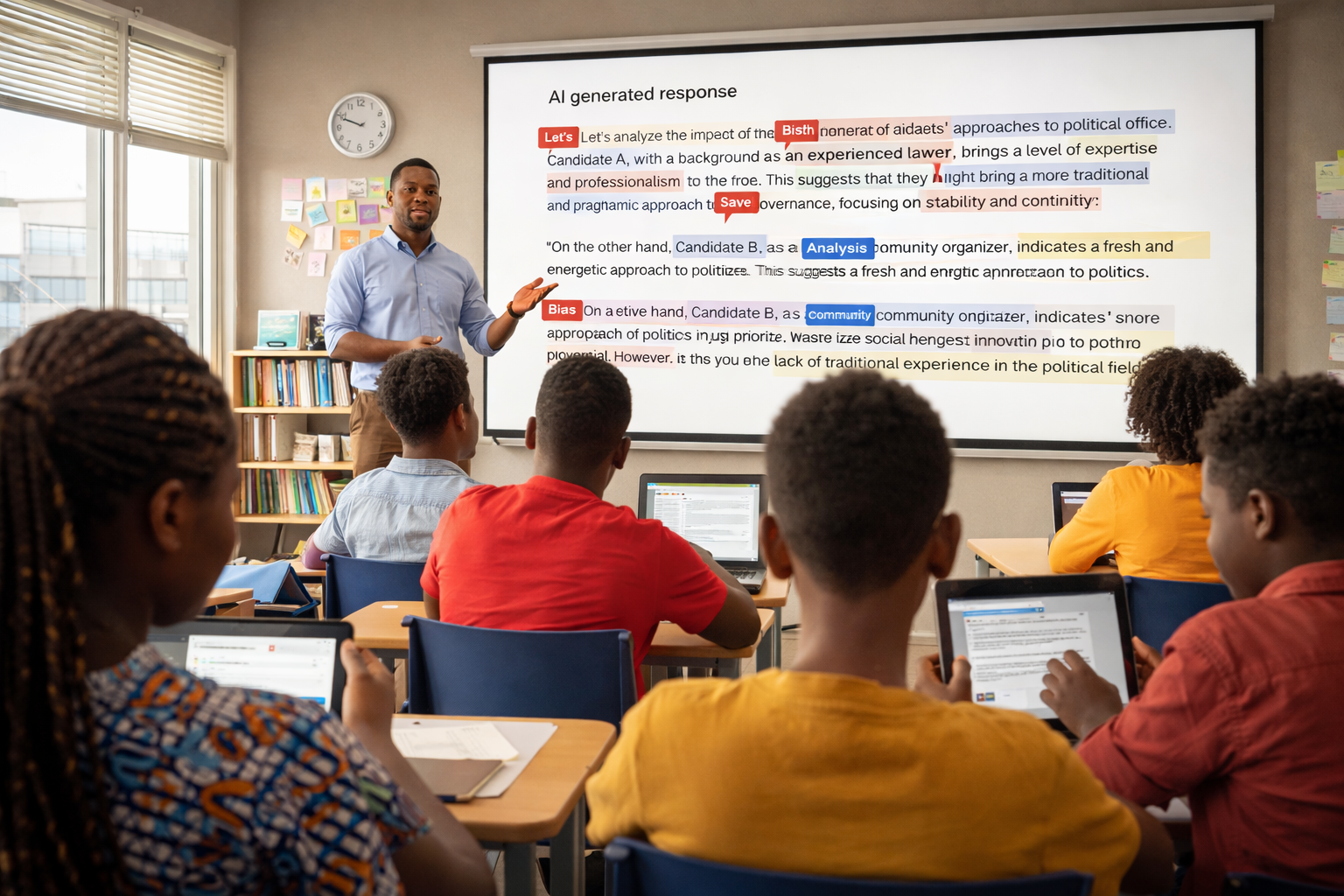
- Platforms are changing — so should guidance. Big platforms are experimenting with new age-classification and parental-control systems (for example, Meta/Instagram’s recent moves toward a PG-13–style setting for teens) — which makes it more important for caregivers to combine technical settings with conversation. (The Guardian)
The three pillars of effective Parental Guidance
Use this simple framework when deciding how to guide your child:
1. Prevent (settings + boundaries)
- Use device-level controls and platform parental settings to limit exposure to age-inappropriate content.
- Set sensible time limits and establish device-free zones (e.g., bedrooms at night).
Why it helps: Technical measures reduce accidental exposure and give parents a baseline of control. But they aren’t bulletproof. Combine them with the next two pillars. (PMC)
2. Participate (co-viewing & co-use)
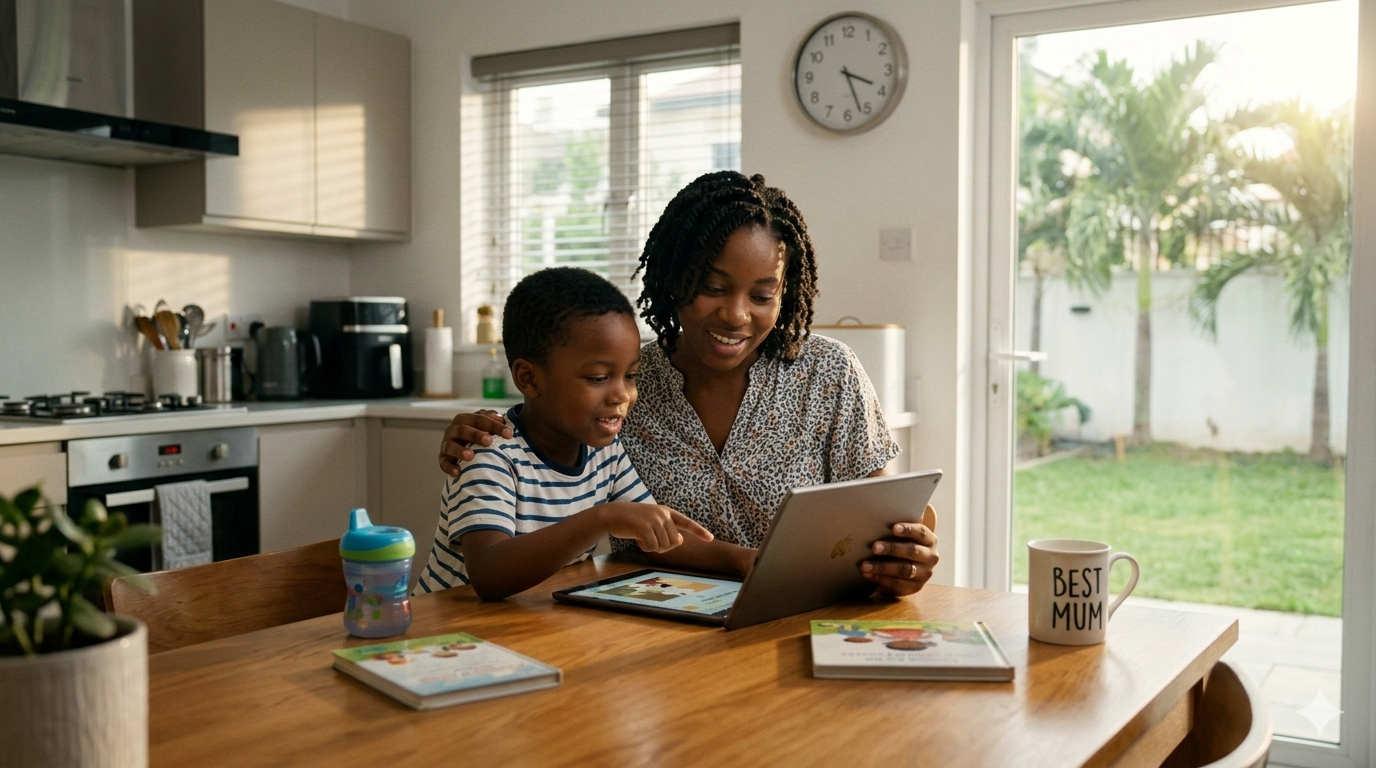
- Watch, play or use apps together. Ask open questions: “What’s happening here? How do you think that character feels?”
- Co-use turns passive consumption into an active learning moment.
Why it helps: Active co-use creates teachable moments and helps children interpret ambiguous content. Research shows co-use is one of the most effective forms of parental mediation. (PMC)
3. Process (talk & model)
- Talk about values, consequences, and real-world implications. Model the behavior you want (screen habits, respectful speech, critical viewing).
- Regularly check in about online friendships, privacy, and the difference between onscreen fantasy and reality.
Why it helps: Communication shapes how kids interpret content and how they behave after exposure. Studies link active discussion to lower risky disclosure and better emotional processing. (ResearchGate)
Practical step-by-step: How to apply Parental Guidance (for busy caregivers)
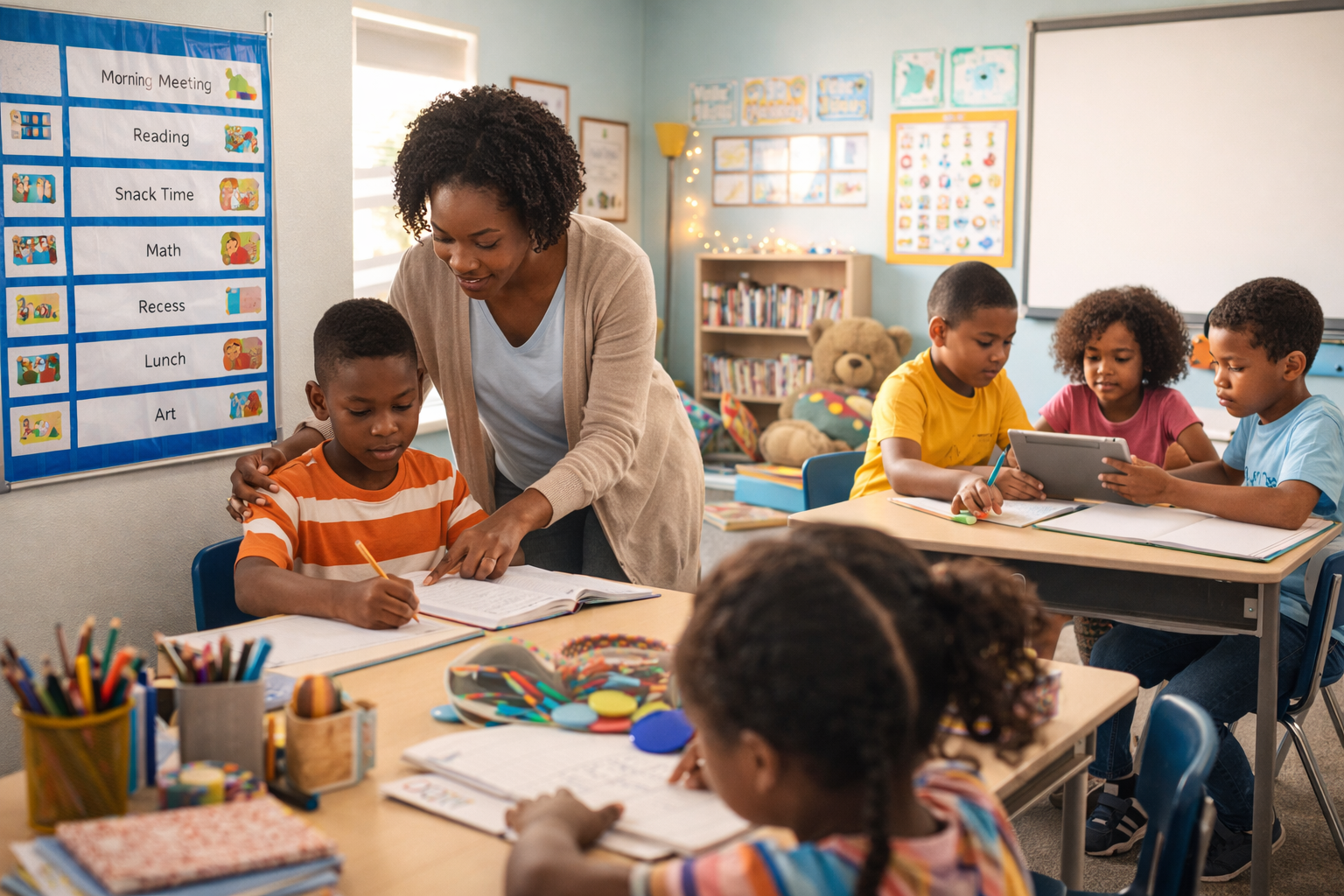
Step 1 — Clarify your family rules. Decide on basic limits: screen time by age, no devices at mealtimes/bedtime, content boundaries. Write them down.
Step 2 — Use the rating as a prompt, not a rule. Ratings (PG, PG-13) flag possible concerns — but they don’t know your child. Preview or co-view if in doubt. (Wikipedia)
Step 3 — Learn to use platform tools. Turn on age-appropriate settings, safe-search, app store purchase approvals, and privacy locks. Keep access to parental dashboards updated.
Step 4 — Co-use and talk. Turn viewing into conversation — ask what surprised them, what they liked, and how a character solved a problem.
Step 5 — Revisit rules as kids grow. Move from restrictive controls toward negotiated freedoms and trust-building during adolescence.
Special note: Young children and screen time
Health agencies emphasize age-tailored guidance. For example, groups advising on child-screen exposure recommend very limited or no screen time for infants and gradual, supervised exposure for toddlers — with content that supports interaction and development. Use the process pillar (talk and joint play) for younger children. (ScienceDirect)
Common mistakes parents make (and how to avoid them)
- Mistake: Relying solely on blocking tools.
Fix: Pair technical controls with co-use and discussion. Tools are a safety net, not a complete solution. (PMC) - Mistake: Treating all ratings the same (e.g., assuming PG is “safe” for everyone).
Fix: Consider your child’s temperament and history — preview when unsure. (Wikipedia) - Mistake: Avoiding discussions about content because it’s awkward.
Fix: Use everyday moments (movies, news, game events) to ask simple, non-judgmental questions.
What creators and platforms should know about Parental Guidance
- Creators: Use viewer advisories and clear content warnings. Provide age-based guidance and parental discussion prompts when content touches mature themes. Parents rely on transparent context. (Wikipedia)
- Platforms: Tech controls are improving, but research suggests they must be coupled with user education and independent evaluation to be truly effective — transparency, testing, and accessible parental dashboards are key. Recent platform policy updates show momentum but also the need for accountability. (The Guardian)
Quick evidence snapshot (load-bearing research)
- Rating systems like the MPA/BBFC provide useful shorthand but depend on parental interpretation. (Wikipedia)
- Parental mediation (active discussion and co-use) is consistently linked to better online outcomes than pure restriction or technical blocks alone. (PMC)
- Global child-protection bodies urge parents and caregivers to combine guidance with broader digital-safety education — especially as platforms roll out age-classification measures. (UNICEF)
Final checklist for parents — a one-line cheat-sheet
Set clear rules + enable sensible tech controls + co-use media + talk about what your child sees = effective Parental Guidance.
If you found this useful, save this post and share it with another parent. Want a printable one-page family media plan or sample conversation prompts you can use tonight? Comment “Media Plan” below and I’ll add a free downloadable template to this post.
Sources & further reading (key references)
- Motion Picture Association — film rating system (MPA explanation of PG and related ratings). (Wikipedia)
- British Board of Film Classification — PG guidance and what it means. (BBFC)
- Ren, W., et al. (2022). Parental Mediation and Adolescents’ Internet Use. Journal/PMC. (PMC)
- Hou, Y. (2025). How parental mediation impacts academic outcomes. MDPI Systems. (MDPI)
- UNICEF Innocenti report: Childhood in a Digital World — guidance on screen exposure and child wellbeing. (UNICEF)
- News: Meta/Instagram moves toward a PG-13–style classification for teen accounts. (The Guardian)